
Ebooks
The Everyday iPhone Manual
Creator

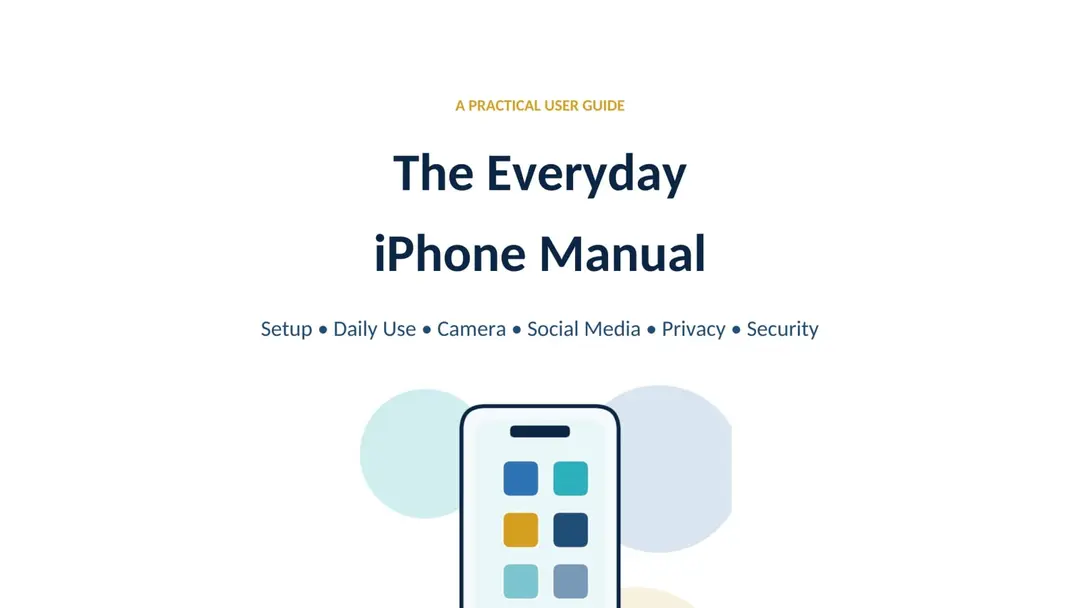
Your iPhone can be a telephone, camera, notebook, map, scanner, wallet, entertainment centre and personal safety tool—but only when you know how to use it confidently. The Everyday iPhone Manual is a clear, practical guide for ordinary users who want to get more from their iPhone without becoming technology experts.
Written in straightforward language and updated for iOS 26, this manual takes you from the first setup screen to confident everyday use. Every chapter focuses on useful actions, explains why important settings matter and shows you what to do when something goes wrong. Technical language is kept to a minimum, while step-by-step instructions, original diagrams, quick summaries, warnings and checklists make each task easier to understand and remember.
Whether you are setting up your first iPhone, moving from Android, replacing an older device or helping a family member, this book provides a reliable path through the features that matter most.
Inside the book, you will learn how to:
• Identify the buttons, cameras, charging ports and important areas of your iPhone.
• Complete the initial setup, connect to Wi-Fi, activate mobile service and transfer information from an old phone.
• Protect your Apple Account, configure Face ID or Touch ID and choose a secure passcode.
• Use taps, swipes, Control Centre, Notification Centre, Search, Siri, screenshots and screen recording.
• Personalise the Lock Screen, Home Screen, widgets, text size, accessibility features, notifications and Focus modes.
• Make calls, organise contacts, send messages, use FaceTime and reduce unwanted calls, spam and fraudulent communication.
• Browse safely with Safari, set up email, install trustworthy applications and manage purchases and subscriptions.
• Understand the difference between iCloud synchronisation and backup, confirm that backups work and prepare Find My before the phone goes missing.
• Take sharper photographs and clearer videos by controlling focus, exposure, lighting, stability, sound and camera settings.
• Organise, edit, recover and safely delete photographs while avoiding common iCloud and storage mistakes.
• Create better social-media content while protecting your time, location, audience, reputation and private information.
• Review application permissions for location, photos, contacts, camera, microphone, Bluetooth and local-network access.
• Strengthen security with unique passwords, two-factor authentication, Stolen Device Protection, software updates and fraud awareness.
• Understand battery use, charge safely, manage storage, reduce mobile-data use and recognise when professional attention is needed.
• Troubleshoot charging, Wi-Fi, mobile service, camera, application, passcode and performance problems using a safe, orderly process.
The camera and social-media chapters go beyond simply showing where the buttons are. They explain how to frame a subject, use available light, avoid blurry images, record stable clips, protect details visible in the background and prepare media for online platforms. You will learn why platforms compress files, how to select an audience carefully and why deleting a post may not remove every copy.
Privacy and security receive special attention throughout the manual. The book explains how permissions work, what the orange and green sensor indicators mean, how to inspect location and photo access, and how to review information shared with people and applications. It introduces Safety Check, Find My, Stolen Device Protection and the warning signs used in impersonation, verification-code and account-recovery scams. The aim is not to create fear, but to help you make calm and informed decisions before a problem occurs.
Quick-reference appendices make the book useful long after the first reading. They include an essential gesture guide, a new-iPhone setup checklist, a privacy and security checklist, a camera problem guide, explanations of common iPhone terms and links to official Apple resources for current procedures and model-specific information.
The Everyday iPhone Manual is suitable for students, professionals, parents, older adults, entrepreneurs, content creators and anyone who uses an iPhone for communication, work, learning, photography or social media. No previous technical knowledge is assumed. Instructions are organised into manageable actions, model differences are identified and important choices are explained before you make them.
By the end of the book, you will be able to set up an iPhone properly, navigate it more quickly, capture and manage better media, control distracting notifications, protect your accounts, maintain reliable backups, respond sensibly to suspicious messages and solve many common problems independently.
Technology should make everyday life easier, not more confusing. The Everyday iPhone Manual gives you the practical knowledge to use your iPhone with confidence, creativity, security and control.
Customer Reviews
Loading reviews...
Investment
GHS 50.00
Secure payment via paystack